
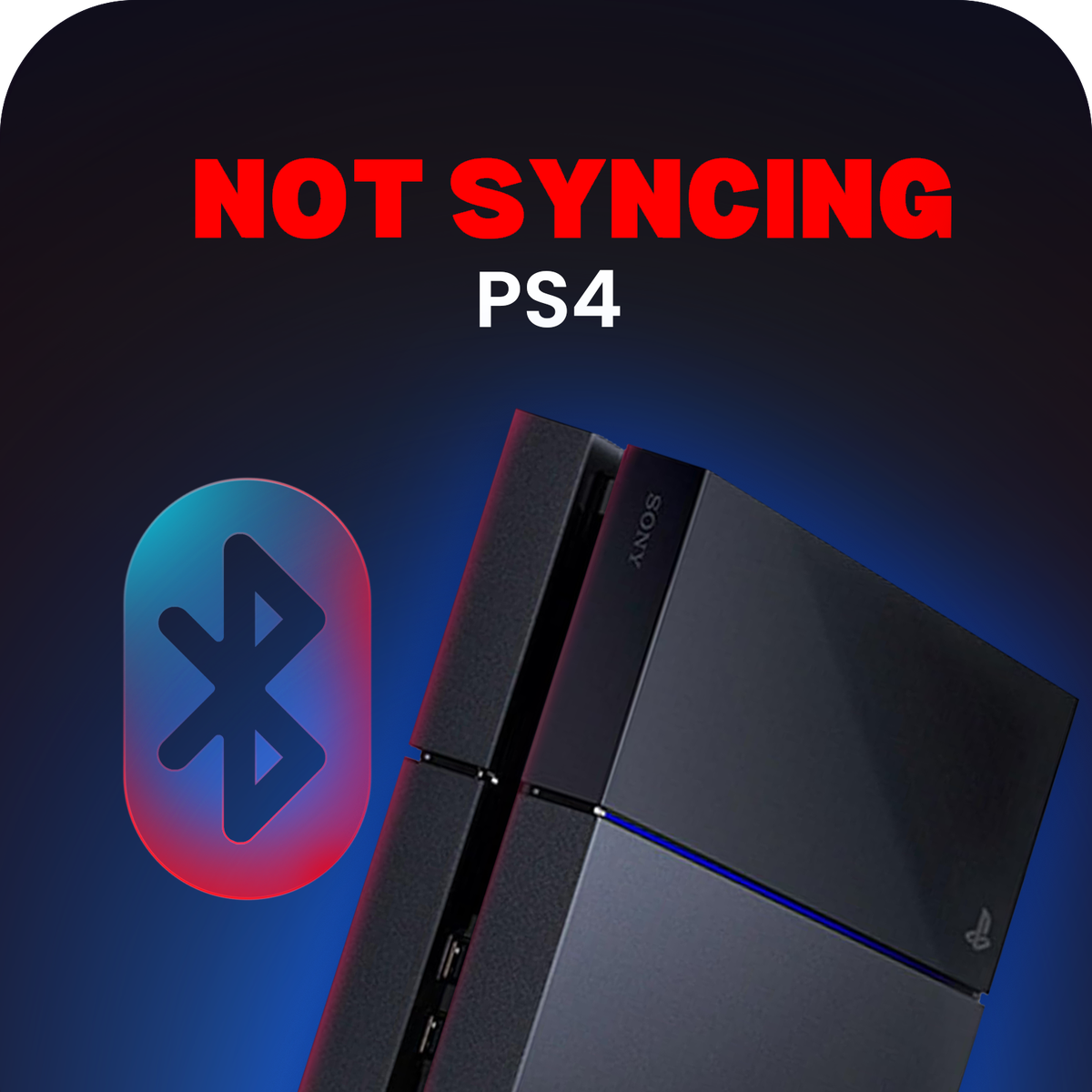
PS4 Not Syncing With Controllers - Repair Service
Busy periods can add up to 7-10 working days. We do everything we can to avoid it and keep you updated.
- 4.7 on Google from 623 reviews
- 12-month warranty on parts and workmanship
- 3-5 Days typical turnaround
- Free tracked return, prepaid label emailed
- Pay in 3 with Klarna or Clearpay
- Secure checkout, SSL encrypted
Not sure what you need, or want something that isn't listed? Get a free quote →
Not worth fixing? We'll buy your console as it is. See what it's worth →







Drop off at our London workshop (same day possible with our priority service) or mail in from anywhere in the UK.
If your PlayStation 4 isn’t syncing with any controllers - even after resetting - it could be a hardware fault on the Bluetooth or USB communication line.
Common Symptoms:
Controllers flash white but never connect
USB cable doesn’t pair controller to PS4
Sync issues even after reset or safe mode
We’ll diagnose and repair the issue, whether it’s a faulty Bluetooth chip, USB sync point, or internal board fault.
Mail it in worldwide - 1-2 day turnaround once received.
Includes a 12-month warranty for peace of mind.
About this repair
If your PS4 will not sync with any controller, even after a reset, the fault is usually hardware on the Bluetooth or USB communication line. We diagnose whether it is the Bluetooth chip, the USB sync point or the board and repair it for £69.99. Typical repair time is 3-5 days once it is on our bench. It is covered by our 12-month repair warranty.
Signs you need this repair
- Controllers flash white but never connect
- A USB cable does not pair the controller
- Sync problems even after a reset or safe mode
What causes it
- A faulty Bluetooth chip
- A damaged USB sync point
- An internal board fault
How we fix it
- We test with known-good controllers and cables
- We find the failed part on the Bluetooth or USB line
- The fault is repaired
- We test pairing over cable and wirelessly
See It Done
How we mail-in, diagnose and fix - straight from the workshop bench.


Frequently Asked Questions
How do I know it is the console and not the controller?
If a controller that works on another PS4 will not pair with yours, even by USB cable, the console is at fault.
Have you tried a reset?
Try the reset button on the back of the controller and pairing by USB. If none of your controllers will pair, book the repair.
Do I need to send my controllers?
No. We test with our own controllers.
How long will the repair take?
We aim to complete repairs as safely and as soon as possible, however note it can take up to 3-5 days or longer depending on parts availability. When we're busy, a repair or upgrade can be delayed by up to 7-10 working days - we do everything we can to avoid that and keep you updated.
How do I send my console in?
As soon as you have completed your order we will send you a confirmation email. In the UK that includes your prepaid tracked label (if you chose one at checkout) - a QR code to use at your local Post Office. Outside the UK we send our workshop address and shipping instructions so you can post your console in. Once repaired, we ship it back to you tracked at no charge - UK and international.
Is there a warranty?
We offer a 12 month warranty on all repairs carried out at OG Repairs.
Can you repair a modified console?
Yes, let's see what's possible.
Do you send proof of the repair?
Yes - we send photos and a before/after video showing the fault fixed, so you can be confident in the work before your device is even back in your hands.
Can I drop it off in person?
Yes - book a drop-off at our London workshop (Unit 9, Hatcham Road, London, SE15 1TR); visits are by appointment. Console repairs are a UK-only service, so mail-in is available from anywhere in the UK.
What payment methods do you accept?
All major cards, plus Klarna, Clearpay, Apple Pay and Google Pay - so you can spread the cost with interest-free instalments.
Test & Calibrate Your Controller
Download the free OG Controller Tester app to check for stick drift, test every button and trigger, and recalibrate your pad in seconds. Works with PS5, Xbox, SCUF and more.
Don't Take Our Word For It


Level Up Your Setup